Installation
SessionDock installation depends on where you downloaded it from.
Mac App Store
If you installed SessionDock from the Mac App Store, there are no extra installation steps. Open SessionDock from your Applications folder or Launchpad.
Mac DMG
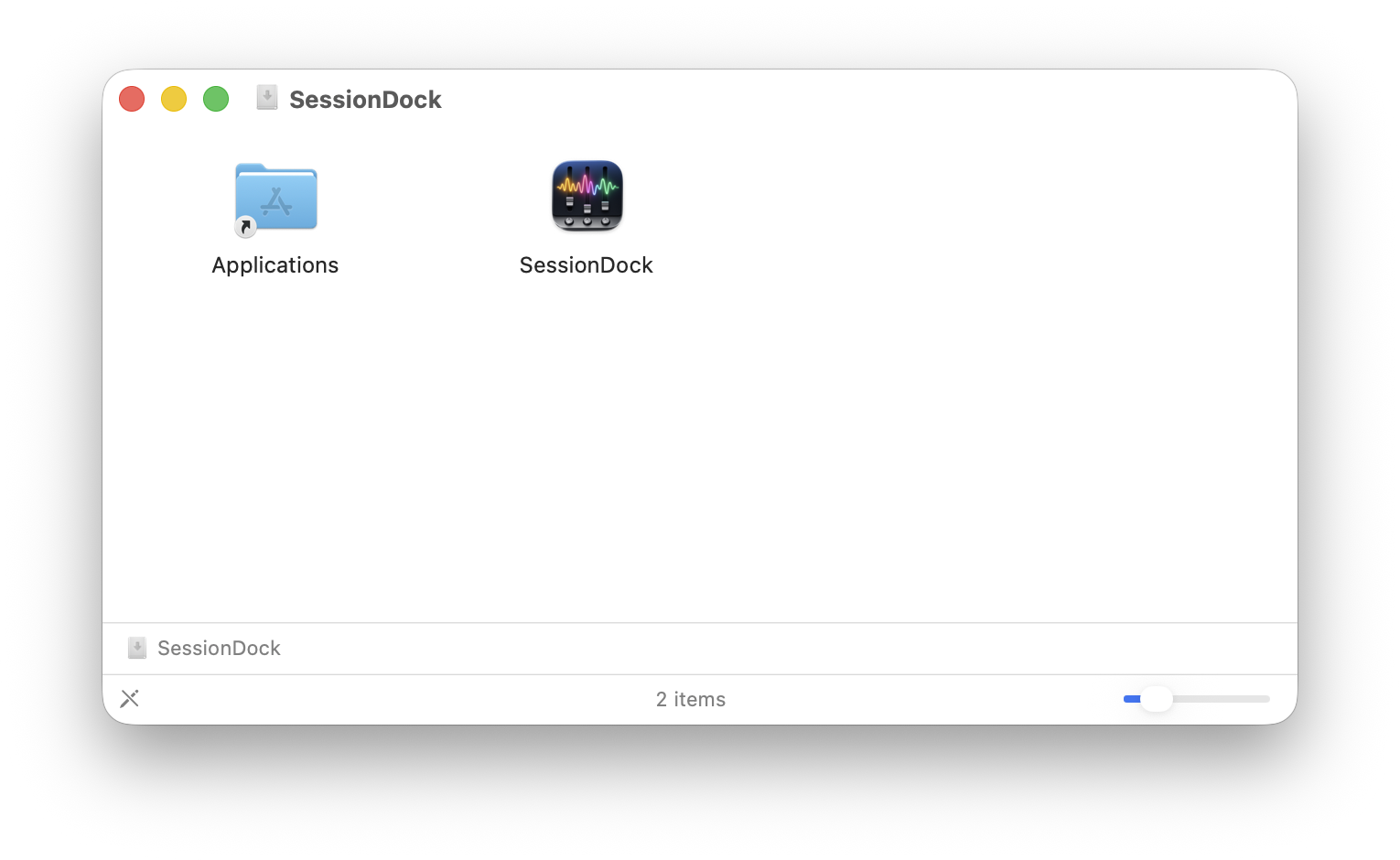
If you downloaded SessionDock as a DMG file from the SessionDock website:
- Open the DMG file.
- Drag SessionDock into the Applications folder.
- Open SessionDock from Applications.
Windows
- Download SessionDock from the website.
- Run the installer.
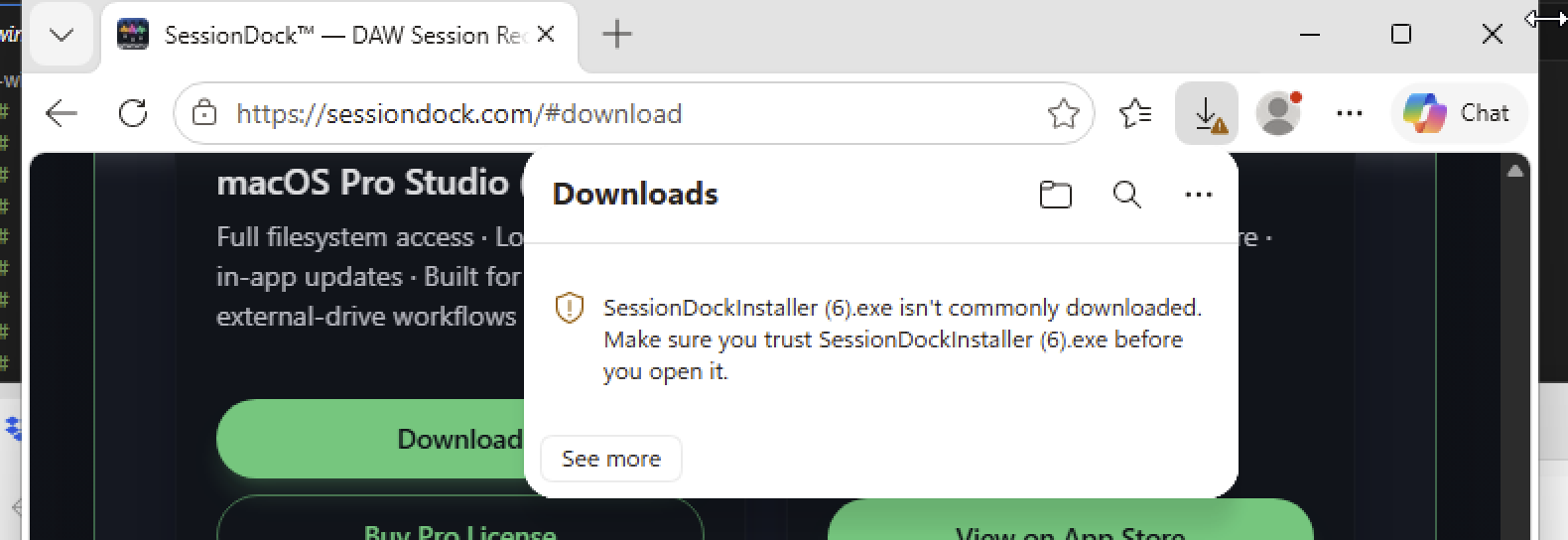
- If Windows SmartScreen appears, click More info, then Run anyway.
- Complete the installation wizard.
- Launch SessionDock from the Start Menu or Desktop shortcut.
Note: Windows may show a SmartScreen warning because SessionDock is developed by an independent software publisher. If you downloaded SessionDock from the official website, click More info, then Run anyway to continue.
For mobile, Apple TV, and CarPlay setup, see Installing Companion Apps.